
After a week of absolute manic panic, I handed in the Fat Lass Preserves Project, which, to me went really well and I am happy enough with the final outcome. I have finally gotten back to doing the project I really enjoy doing, the Skaadi Project. Unsurprisingly, my fat lass design didn’t get picked by the company owner, which to be quite honest, doesn’t bother me because it was the first time I have ever attempted to draw and finish a larger person, so it was always going to be a learning curve, yet I am definitely feeling more confident about drawing larger characters again in the future and also in my ability to create plus size characters of my own.
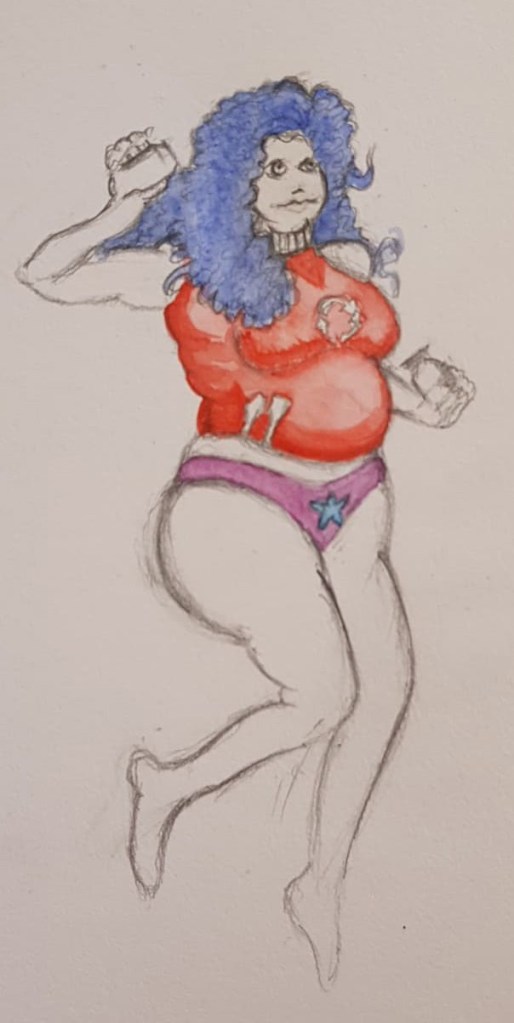

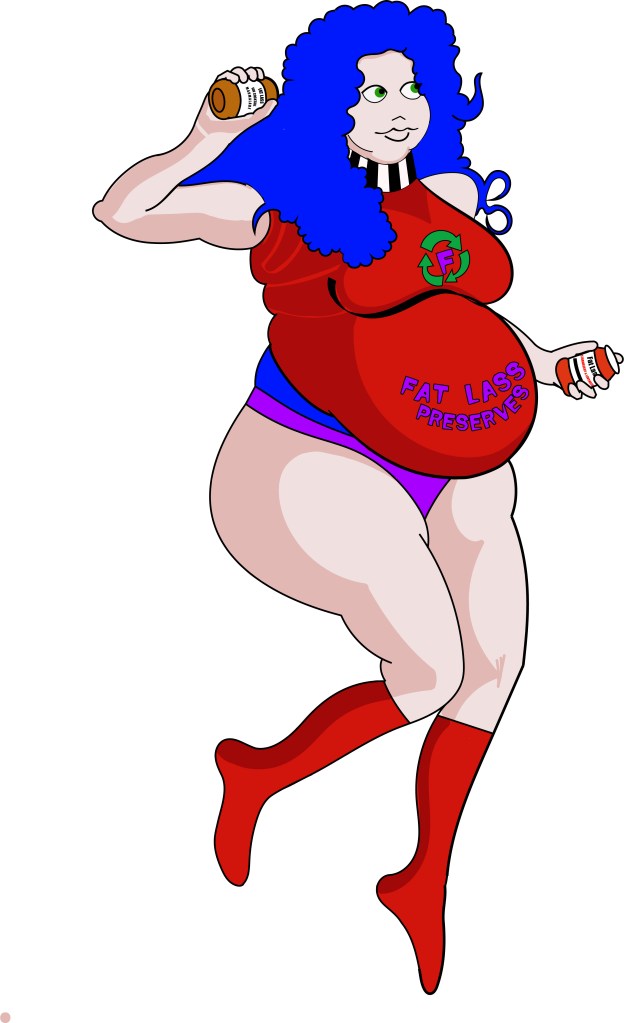
This week I have focused on digitising one of my dynamic Skaadi sketches to put on to an A2 development board that we have been asked to create as part of our final outcomes. I sketched out a variety of character poses last week during the fat lass project; they were really rough and sketchy and didn’t really look like Skaadi at all. To rectify this, I scanned the sketches on to a computer and opened them in Adobe Illustrator, I then used the pen and pencil tools to trace over the line work, while slightly changing the proportions of the Skaadi sketches to fit how I see Skaadi in my minds-eye. Once I had the line work I proceeded to colour Skaadi in Illustrator using the paintbrush tool, I decided to focus on colouring the dynamic pose because I am really happy with the proportions and I am considering using the dynamic pose on my final comic panel. I took photos of my girlfriend to use as reference for each of thew poses because I am still getting used to drawing humanoid characters and having first hand reference really helps me figure out the proportions of my characters.
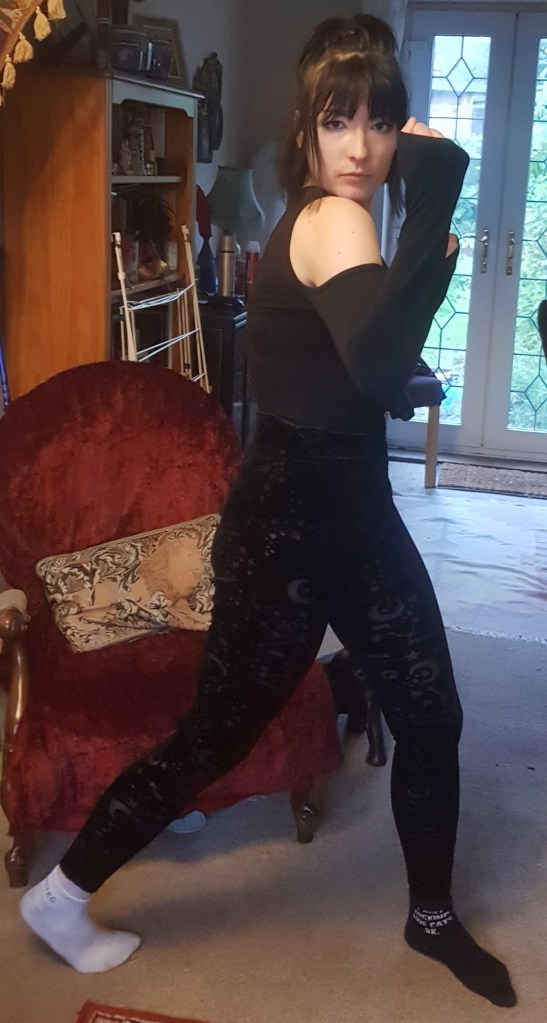
Dynamic pose Reference 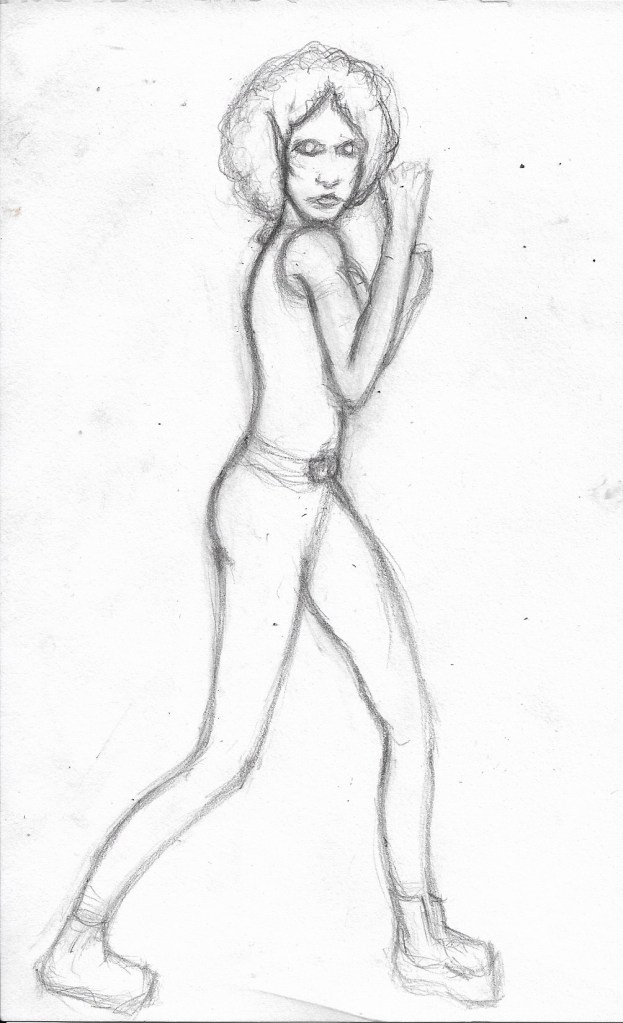
Skaadi Dynamic Sketch 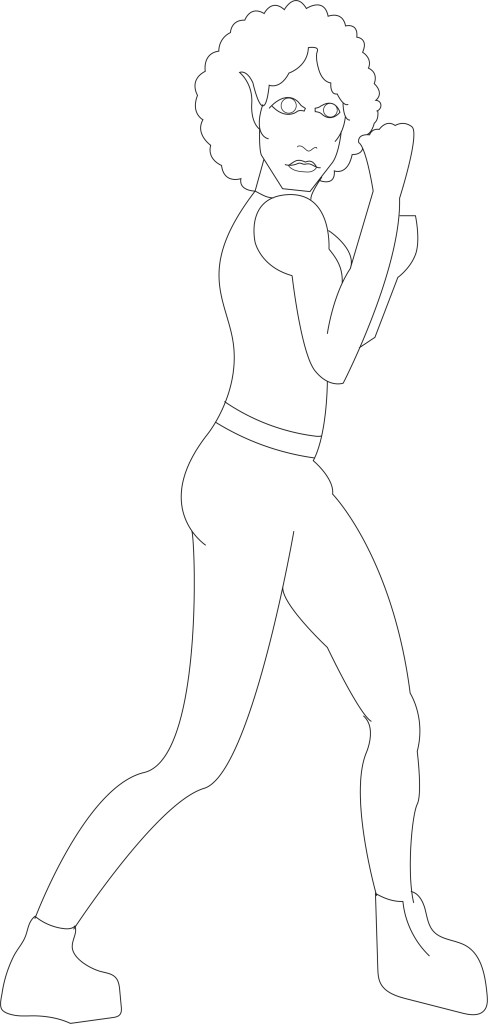
Skaadi Illustrator linework 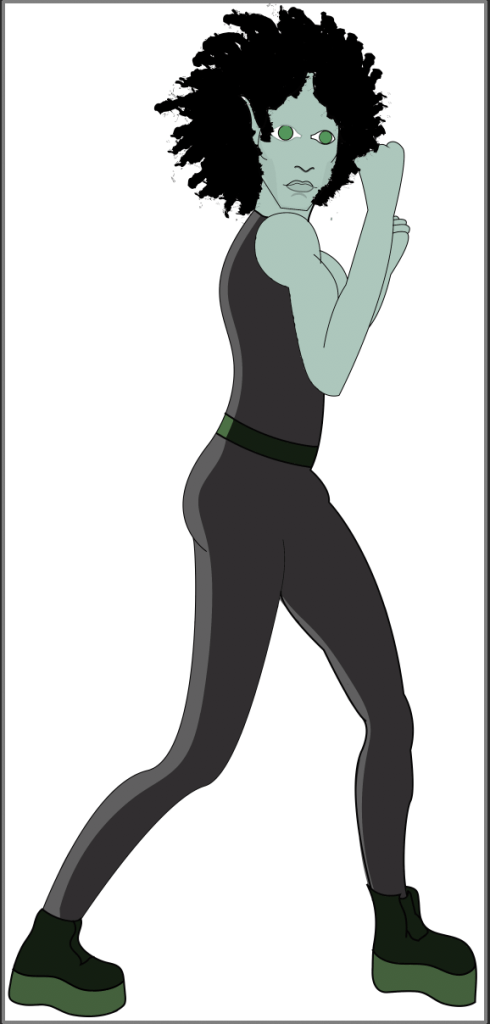
Skaadi Illustrator colour
I found colouring Skaadi with the paintbrush tool very awkward and fiddly, it was extremely time consuming to just create a basic fill layer, whereas I know that in photoshop, it is possible to fill entire areas with simply one click. It wasn’t until today (Thursday) that I found out from my tutor that there is a much easier way to fill colour in illustrator and also that we don’t actually have to complete the whole design in Illustrator, I was under the impression that it was an Illustrator project based on the content of the computer sessions so far. I guess I could have found out differently earlier if I had found the confidence to outwardly ask for help. Nevertheless, I will be using Photoshop to colour my designs in the future from now on and I will keep to Illustrator for the linework. I’ll probably take the dynamic Skaadi pose over to Photoshop as well because, while I am happy with the pose, proportions and the colour choices I have made, I am just not satisfied with her face and she looks rather flat, I feel as if it will be a lot easier to add highlights and shadows in Photoshop.
Overall, I am rather happy with my progress on the project so far, as well as how I have chosen to manage my time, especially without the support of my tutors, having been on a reading week. I definitely need to work on my confidence and anxiety, I should ask for help and information when I need it instead of just struggling unnecessarily for ages. I am so pleased to be working on the Skaadi project now and my character is finally starting to come take some sort of shape, I’m aware that time is running out to do this project but now that I know we can use Photoshop as well as Illustrator, I am fairly confident that things are only going to get better from here.











 Castle Chickenstein