
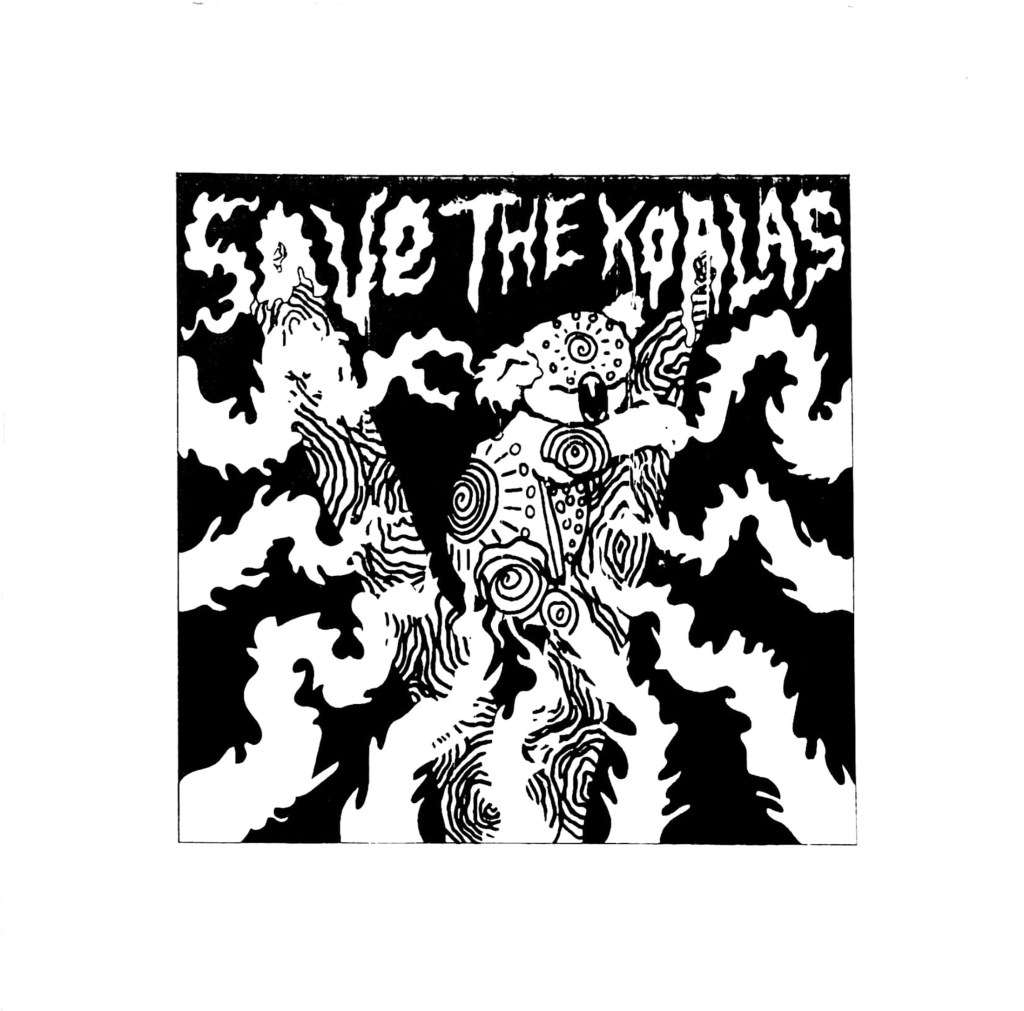
I had a bit of a stressful week the past week when it came to getting my prints ready to hand in, the screenprinting process wasn’t as easy as I thought it would be. Printing two colours is definitely a lot harder than one because you’ve got to perfectly line up each colour layer. I originally made the mistake of screenprinting the black layer before the orange layer, so when I tried to print colour over the black, parts of the design just got enveloped in the void. It also became a lot harder to line up each layer and I ended up creating a lot of offset prints. The same thing happened a while ago with risograph printing, but I was certain that the problem woudn’t be repeated with screenprinting, I was wrong. I kept getting unlucky with mesh screens too, both of the ones I used had marks on them which stopped my design being transferred properly, so whenever I tried printing a layer, a small part of my design was missing, a problem I just had to work with. Nevertheless, something good did come out of printing the black layer first, I realised just how good the design looks on it’s own without colour and all of a sudden I had two different print variations I could sell to raise money for the Australian Bushfire support. I still needed to create the colour prints that I originally set out to create to make my project successful so I started a different series of prints where I printed the orange layer first and then the black one on top; it was a lot easier to line up the colour layers this way so the 2nd batch of prints ended up having a lot less offset which I was finally happy with.
This project has been a huge eye opener for me, there were times during screenprinting where I wished I had just let the risograph machine do the work for me, it would have been a lot quicker and potentially easier than manually lining up each layer. But I would’ve definitely got an offset with the risograph machine, no matter how quick it is, at least with screenprinting I have more control over how much offset my prints are. I can unequivocally say that I will do screenprinting again in the future and hopefully, with a lot of practice, the process will be even more successful next time. Overall the quality of prints could be better, but they could also be a lot worse and I still intend to try and sell the prints I have on Etsy to raise money for WWF Australia which is what their original purpose was, so ultimately I think I have done a good jo this project, no matter what grade I end up getting. I have handed in the project now so I guess all I can do is wait and see what grade I get, I’d be lying if I said I wasn’t a bit worried because the prints didn’t turn out perfectly, there are some inconsistencies and the brief asked for 10 perfect prints which I haven’t really achieved. I can always fix the inconsistencies manually with a paintbrush when it comes to sellng them so that they are of a high quality, but it wasn’t something I could do before handing them in because in a way it would be cheating and my tutors had already seen the inconsistencies so they’d know if I fixed them before handing in. I just hope the fact that the meshes I used were fault doesn’t affect my grade because it was completey out of my control. Agh.
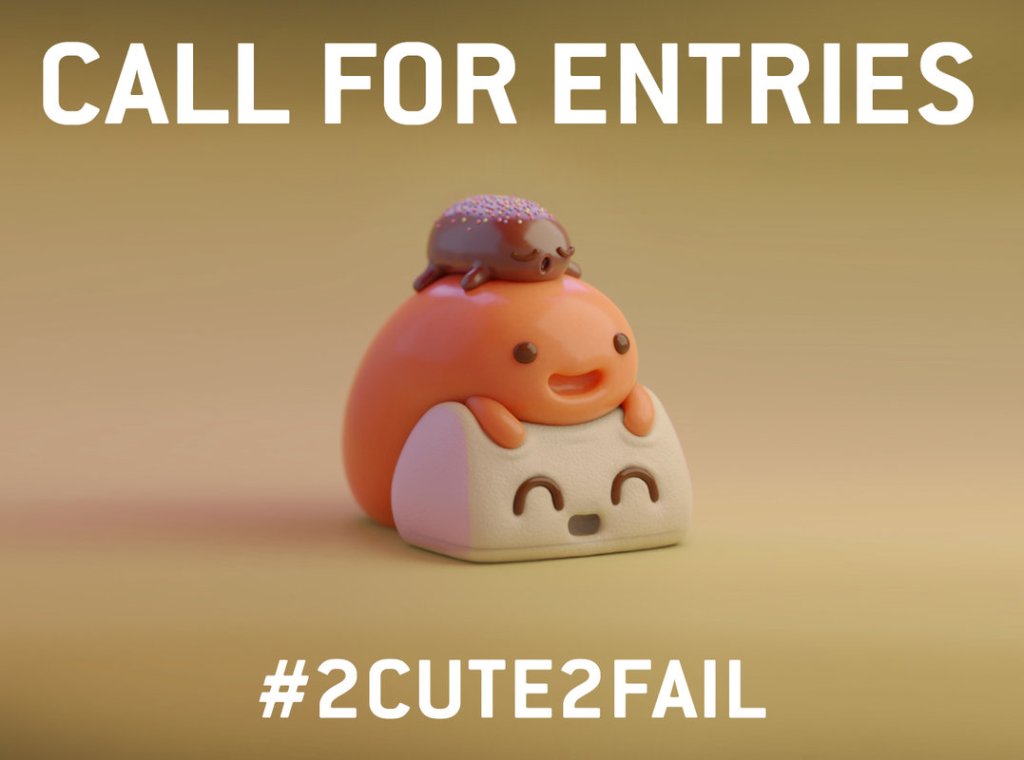
On a slightly less stressful note, I think… we’re off for the next week again while the print projects get marked and once again we have been given a task to complete we return. This time we have been asked to create a cute character and enter it into the Pictoplasma #2Cute2Fail competition, now if you follow my art then you’ll know that I don’t really do cute, more creepy and macabre so this is definitely going to be a bit of a challenge for me. I’m up for it though, it’s never a bad thing being taken out of your comfort zone so I’ll do my best to create a super cute character, though I can’t guarantee it won’t be a bit on the creepy side.
 Castle Chickenstein